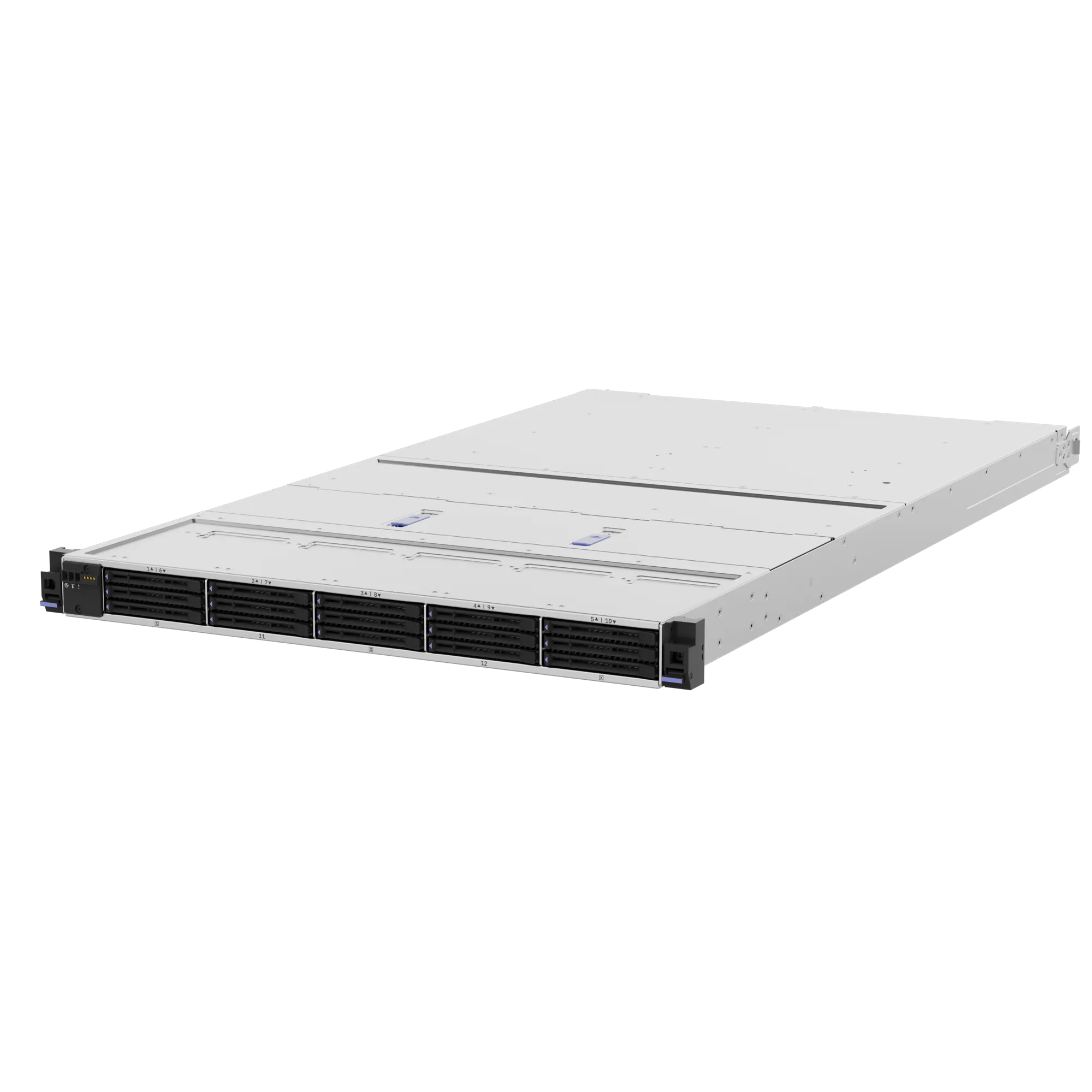
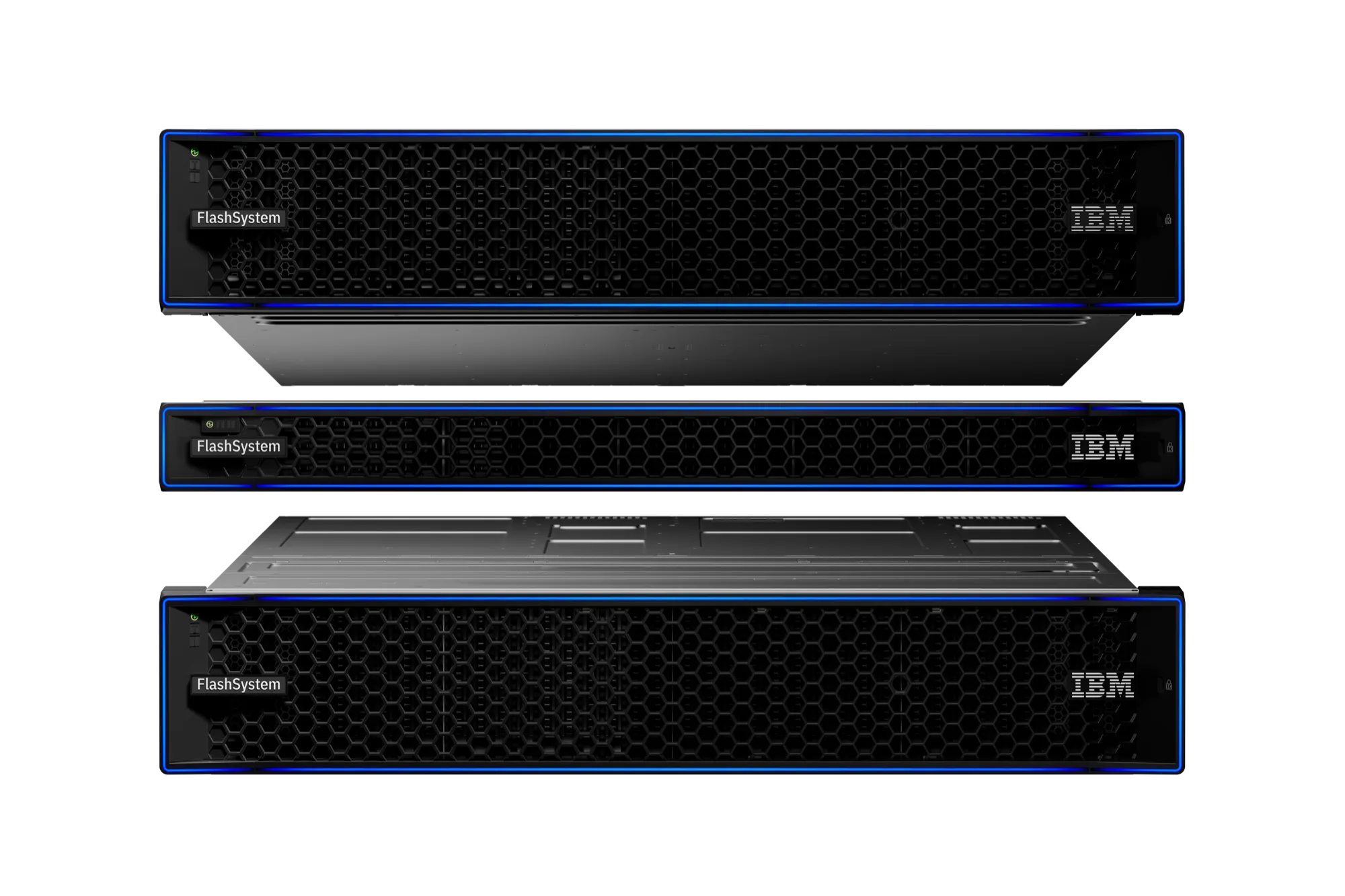
IBM FlashSystem 5600
- Height
- 1U
- Drive slots
- 12
- Usable capacity
- 403 TB
- Effective capacity
- 2.42 PB
- Max IOPS (cache hit)
- 2.6M

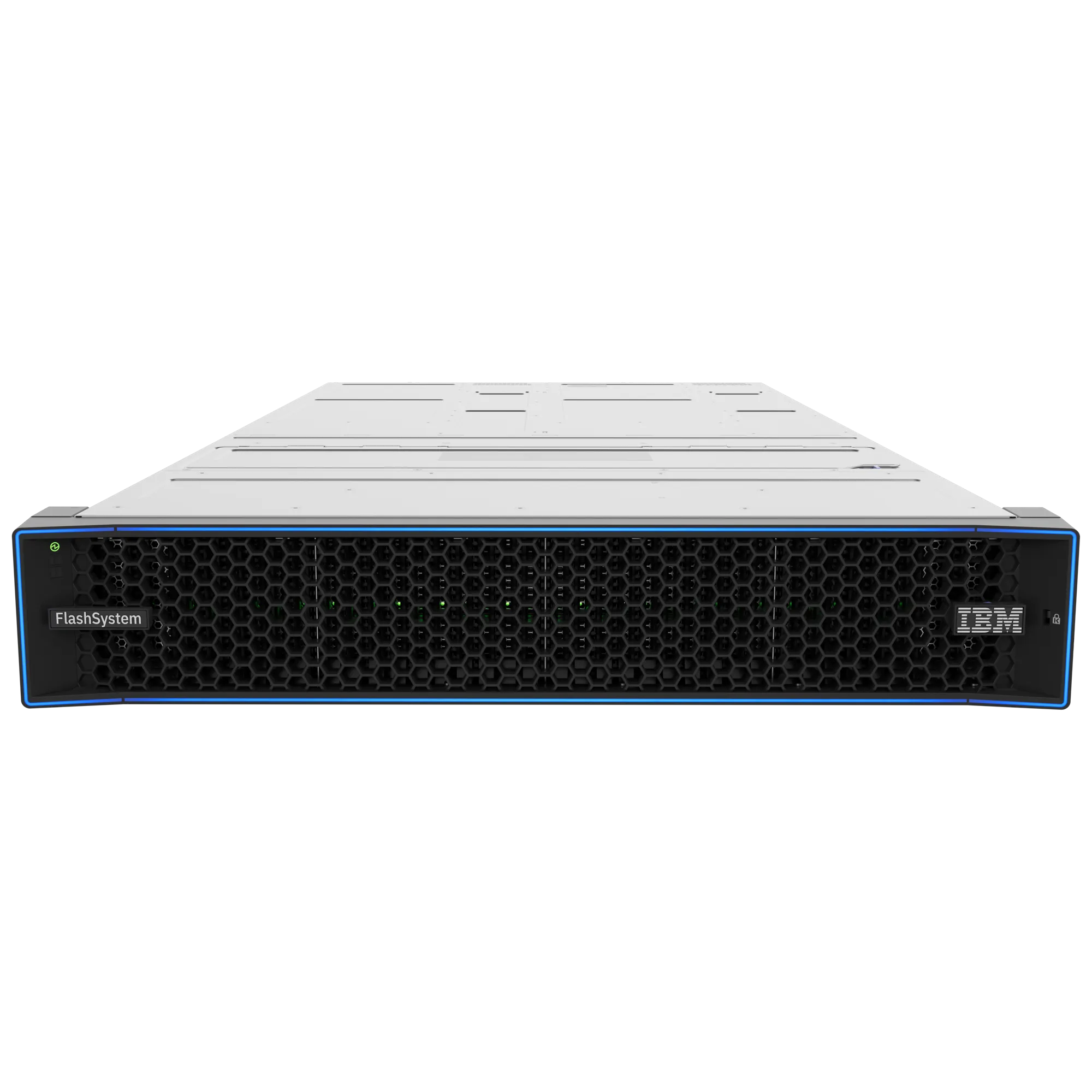
 IBM FlashSystem 5600 · 7600 · 9600
The new generation of IBM FlashSystem detects the attack inside the storage in under 60 seconds and restores a clean copy in about a minute.
* IBM terms apply. Source of the figures: IBM FlashSystem client deck, February 2026.
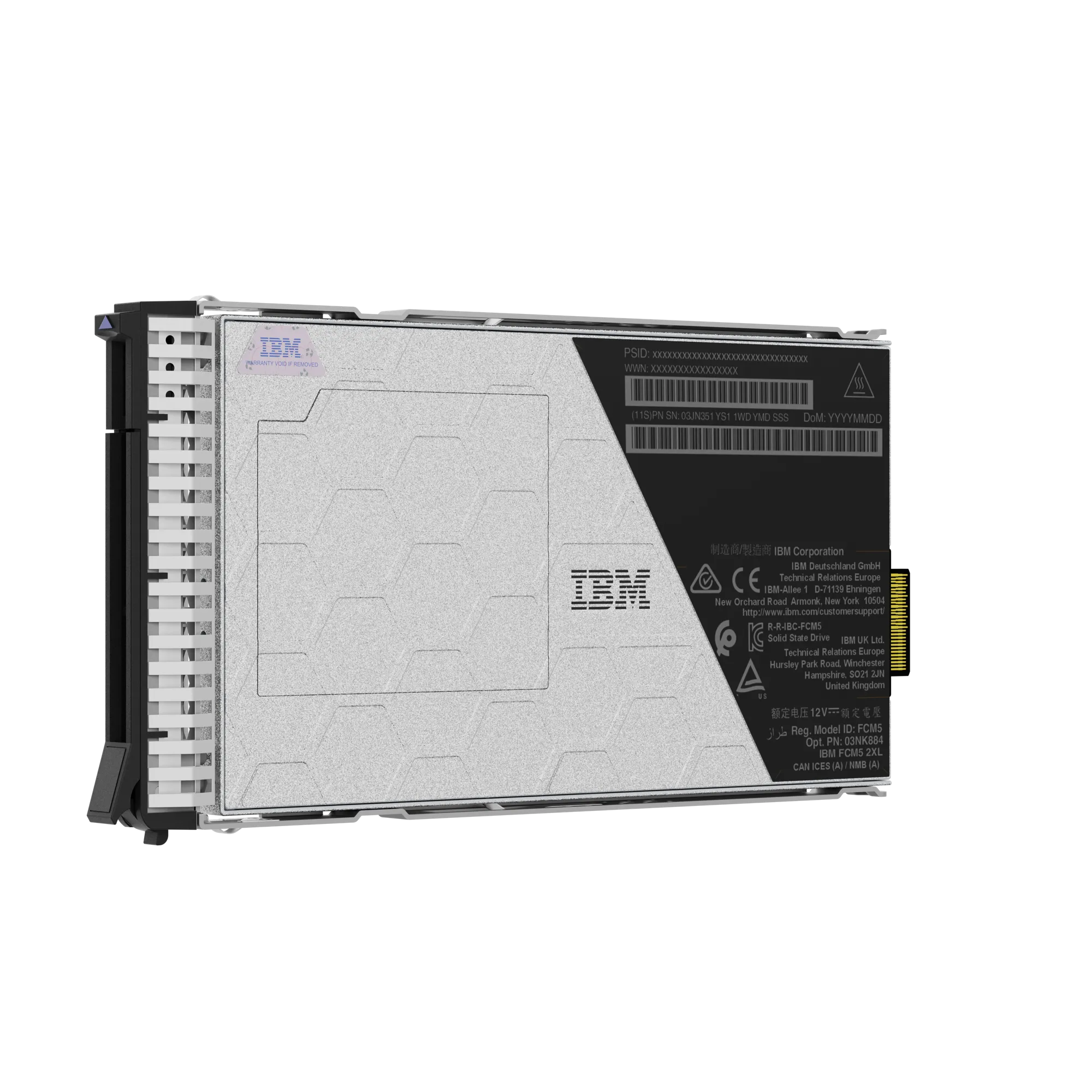
Most teams find out about ransomware from a ransom note. FlashSystem watches every I/O in its 5th-generation FlashCore Modules and raises the alarm in under 60 seconds.
The analysis runs in the FlashCore Module, without loading the controllers, which stay free for your applications.
Safeguarded Copy keeps copies that cannot be altered or deleted, and restores them in about 60 seconds.
Policy Based High Availability provides 100% data availability over 3 years, IBM terms apply.
Storage that is not a black box: it sees threats, looks after itself and does more with less energy.
The new models compress data inside the module, so the controllers stay fast and your rack space goes further.
data reduction guarantee, IBM terms apply
up to this much lower storage operations cost
per terabyte for a fully populated FlashSystem 9600 with XXL modules
FlashSystem.ai watches the system and suggests what to optimise before it becomes a problem.
The same protection and management from the smallest model to the largest. We will help you choose by workload and growth.
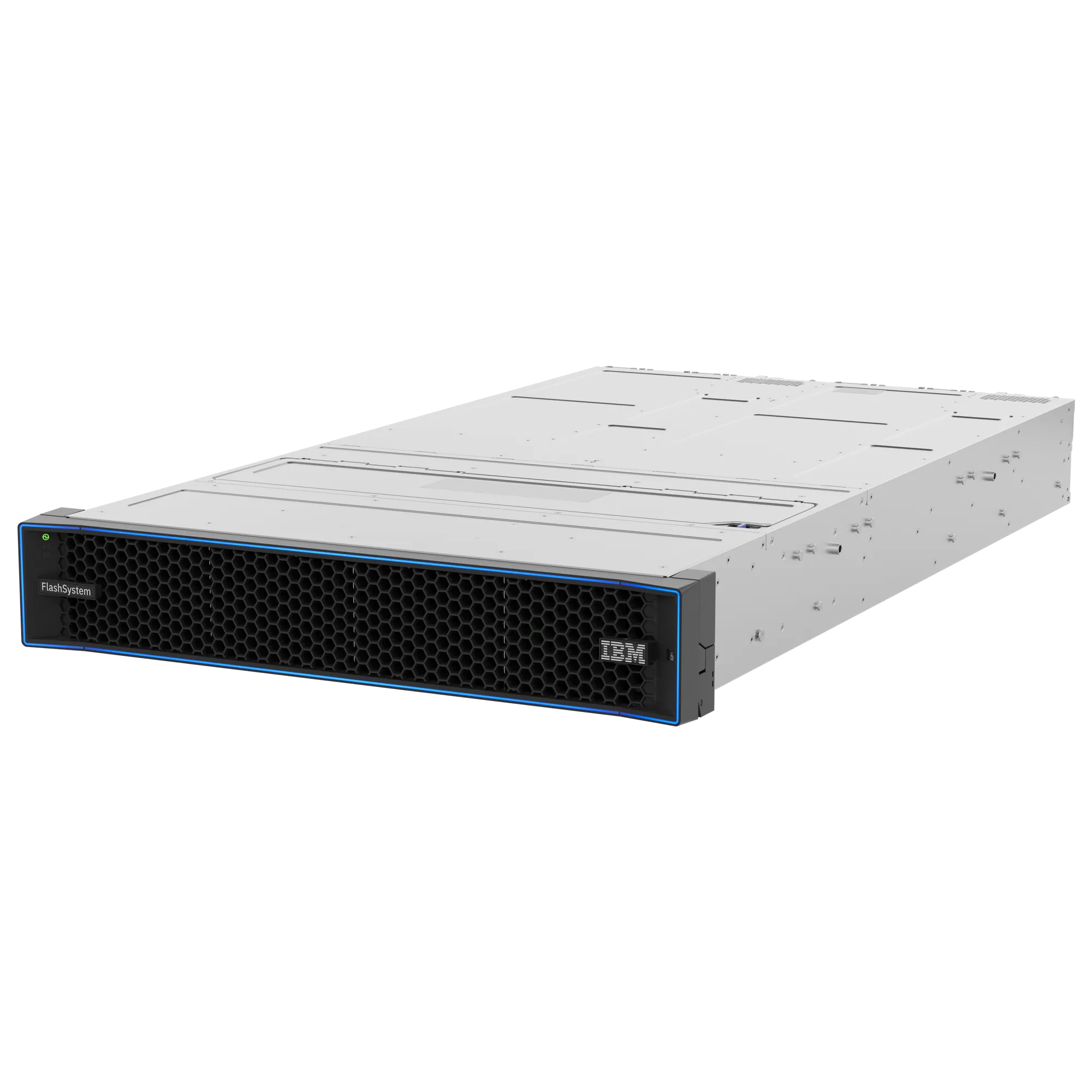
Maximum values as published by IBM. Effective capacity includes data reduction.
15 questions for your IT team, 10 minutes. No sales call required.
For example:
Done. The checklist opens in a new window.
Tell us briefly about your environment. Our storage team will get back to you.
Thank you. We have your enquiry and will be in touch.
Enquiry number:
According to IBM, false positives are under 1%. Detection runs inside the FlashCore Module itself.
The 5:1 data reduction and 100% availability guarantees have conditions that IBM sets per configuration. We go through them with you during sizing.
Not necessarily. We start with an assessment of your environment and propose a phased plan based on which data is most critical.
A conversation with your team and a review of your storage, copies and recovery plan. The result is a short list of risks and the steps to reduce them.